Free YouTube to FLV Converter
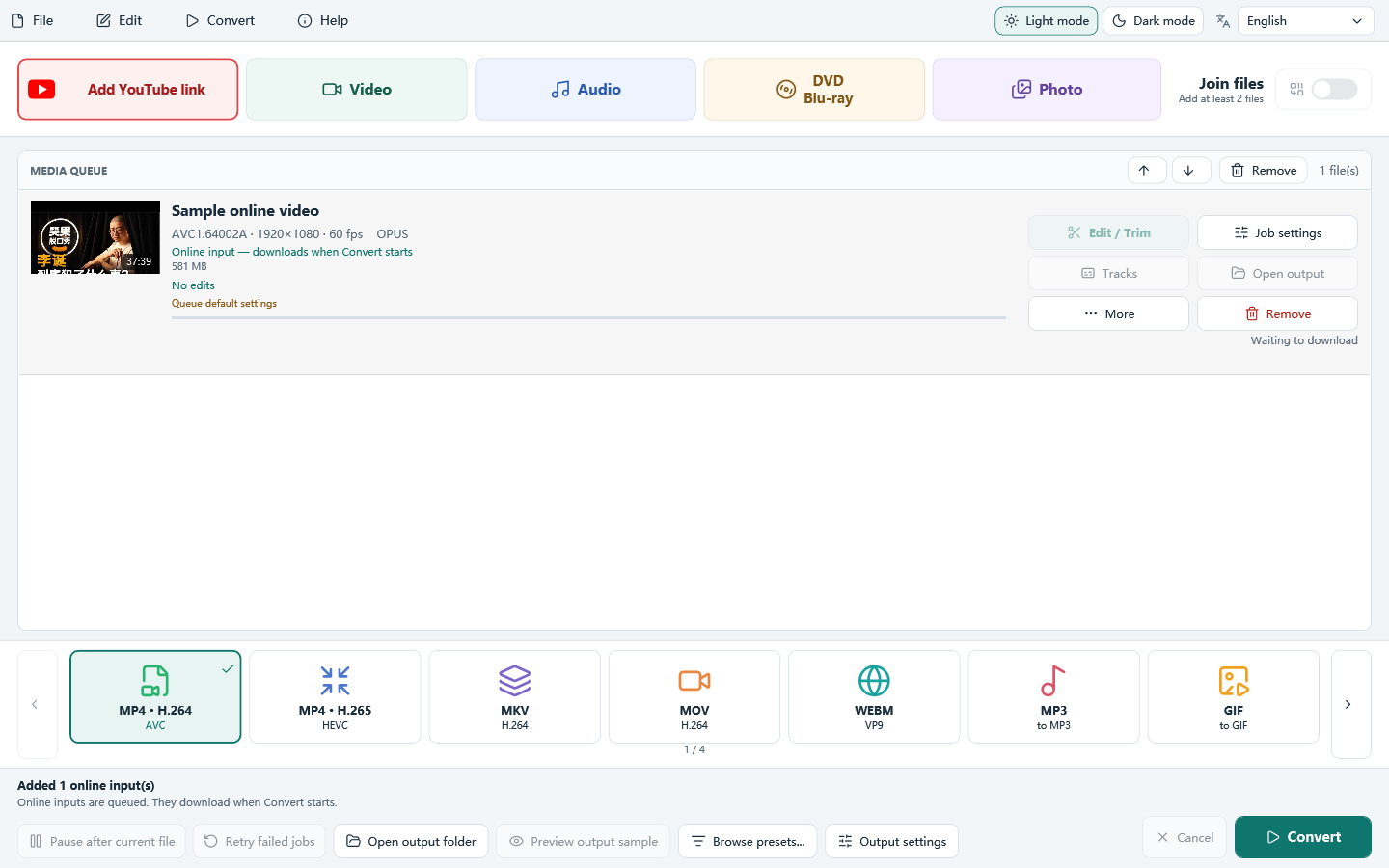
Free YouTube to FLV Converter downloads All Free YouTube Downloader. Click Add YouTube link, paste a link, and keep Best available quality, then convert a YouTube video to FLV. This download opens on that button.
This is Windows PC software. Open this page on your computer to download and install it.
- Cost
- Free to download and use
- Runs on
- Windows 11 and 10
- Setup file
- 77.8 MB
- Version
- 8.1.0
How to convert a YouTube video to FLV in 3 steps
No experience needed. The whole process takes a few clicks.
Click Add YouTube link
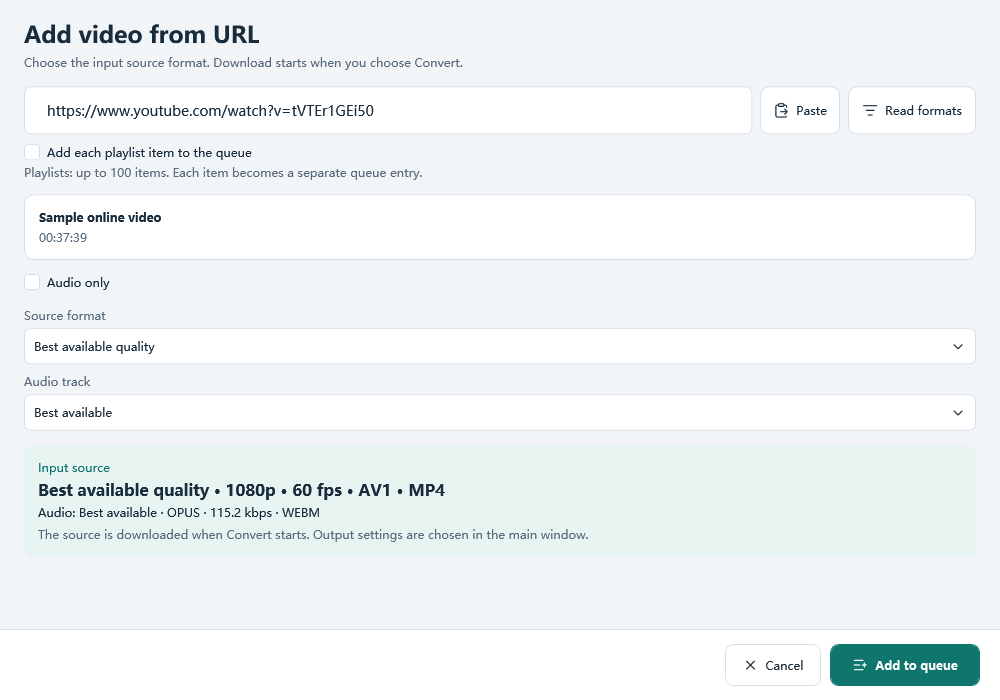
The red Add YouTube link button is the first control. Paste a public video link and click Read formats. Nothing is downloaded yet.
Keep Best available quality
The window starts on Best available quality and shows the real size it can read. Change it only if you want another listed source or audio only, then add it to the queue.
Choose FLV and click Convert
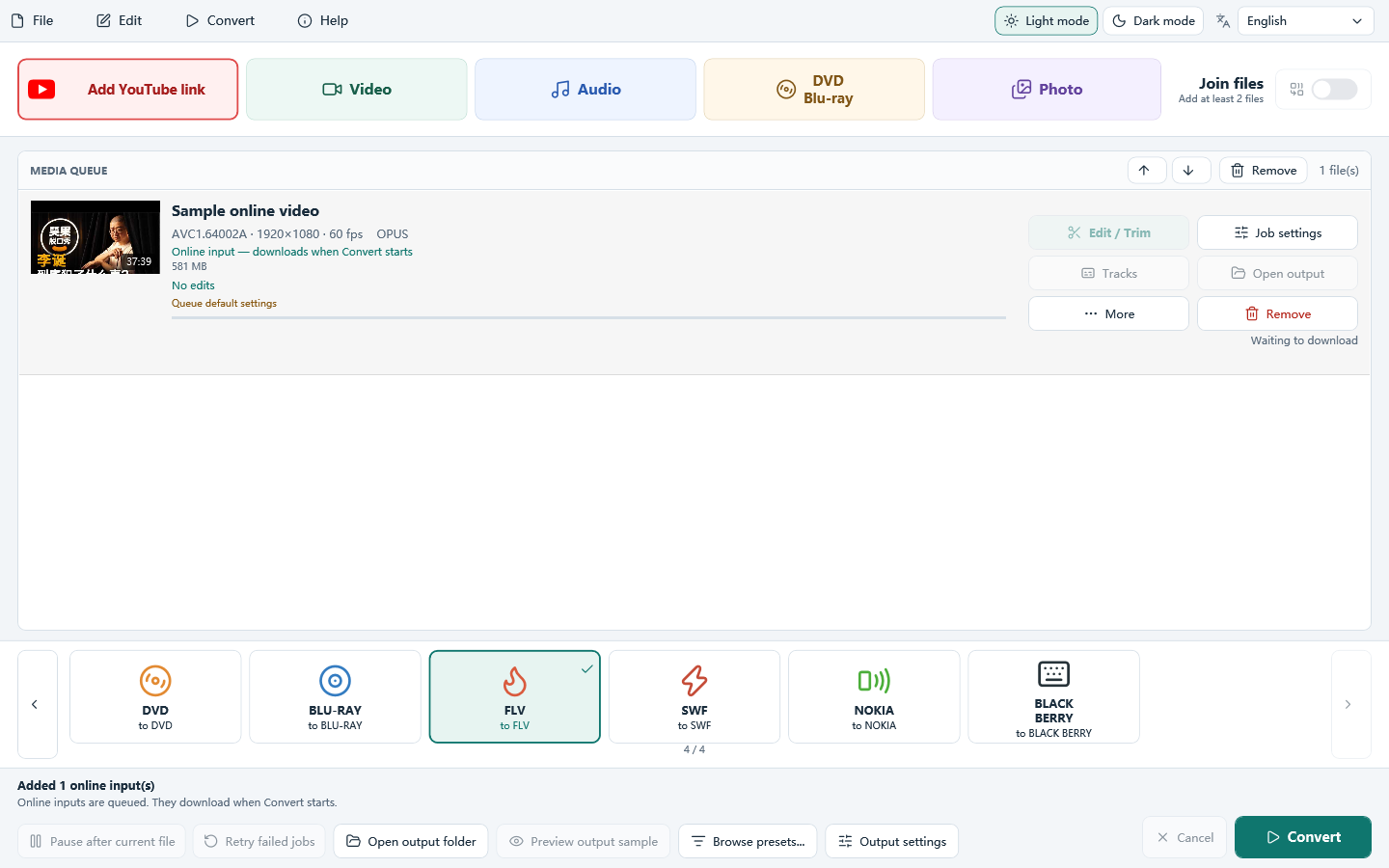
The URL window does not pick the output. On the main window, select FLV and click Convert. The download starts, then the file is written.
What you can do with Free YouTube to FLV Converter
YouTube to FLV
Add the link, then choose FLV. That profile uses FLV1 video and MP3 audio.
Batch queue
Add many files, set options per file and convert the queue in order.
Quality and size
Use constant quality, an average bitrate or a target file size.
Trim and crop
Keep a range or several segments, then crop, rotate or flip before you convert.
GPU when available
NVIDIA, Intel and AMD encoders are used when your PC has that encoder.
No added watermark
The program does not stamp its own watermark onto the output.
Download All Free YouTube Downloader
This page uses All Free YouTube Downloader. Save YouTube videos as FLV.
Frequently asked questions
Is Free YouTube to FLV Converter free?
Yes. The download is All Free YouTube Downloader, and it is free. This page covers one job inside that program.
Does it run on Windows 11 and Windows 10?
Yes. It is a 64-bit desktop program for Windows 11 and Windows 10. It does not run on Mac, Android or iPhone.
Do I have to upload my files?
No. Local files are converted on your PC. A YouTube link is downloaded only when you click Convert, and only if the download module can read it.
Is there an online converter on this page?
No. This is Windows software. Open the page on your computer to download it.
Can I choose the download quality?
Read formats starts at Best available quality. You can switch to a listed resolution or an audio-only source.
Is it legal to download YouTube videos?
Download only videos you own or have permission to save, and follow YouTube’s Terms of Service. The program does not bypass DRM or other access controls. A public link works only when the download module can read it.
Download only videos you own or have permission to save, and follow YouTube’s Terms of Service. The program does not bypass DRM or other access controls. A public link works only when the download module can read it.